¶ Schoology App Student Login
Launch the Schoology app on your iPad
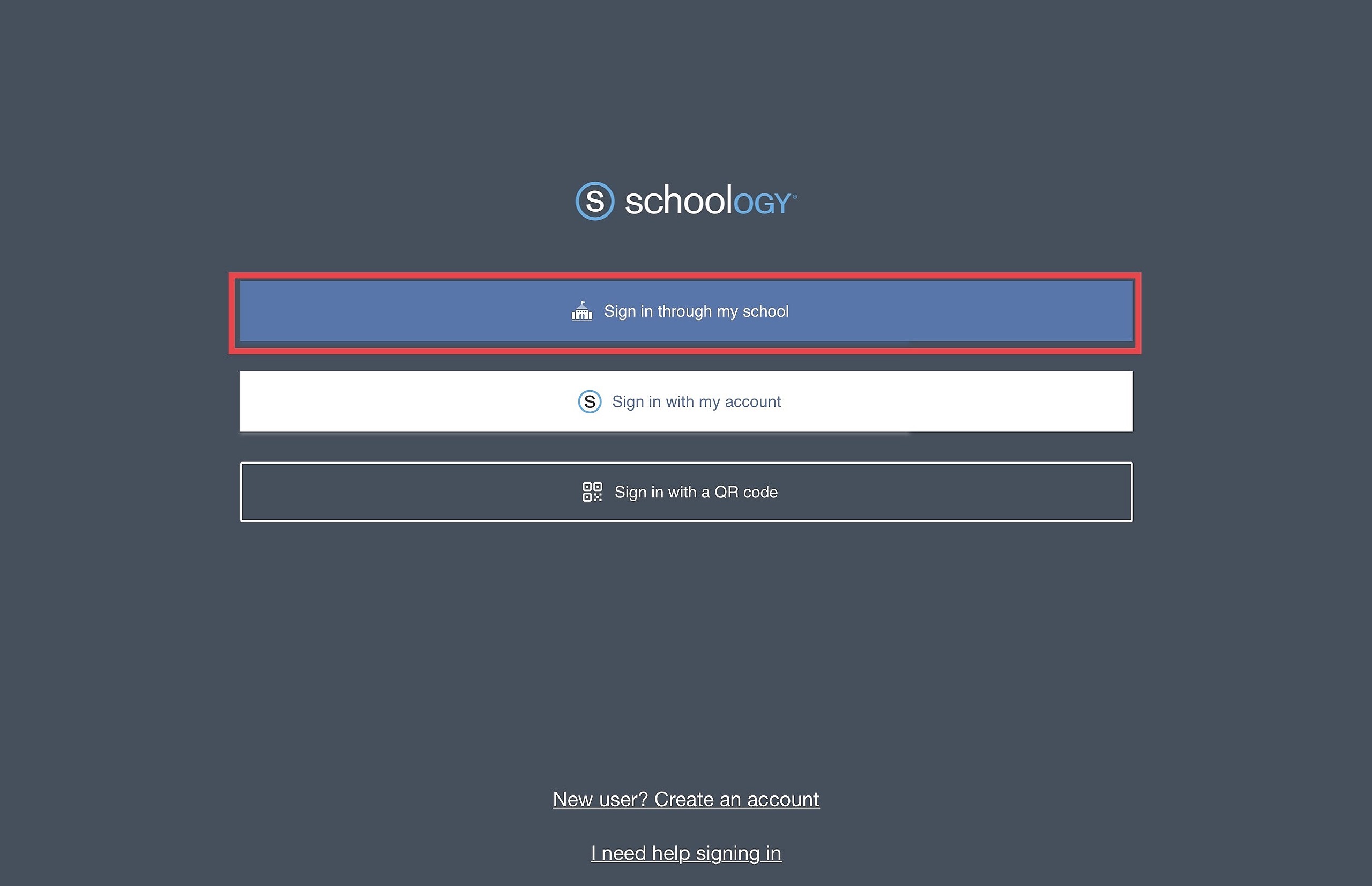
Select Sign in through my school
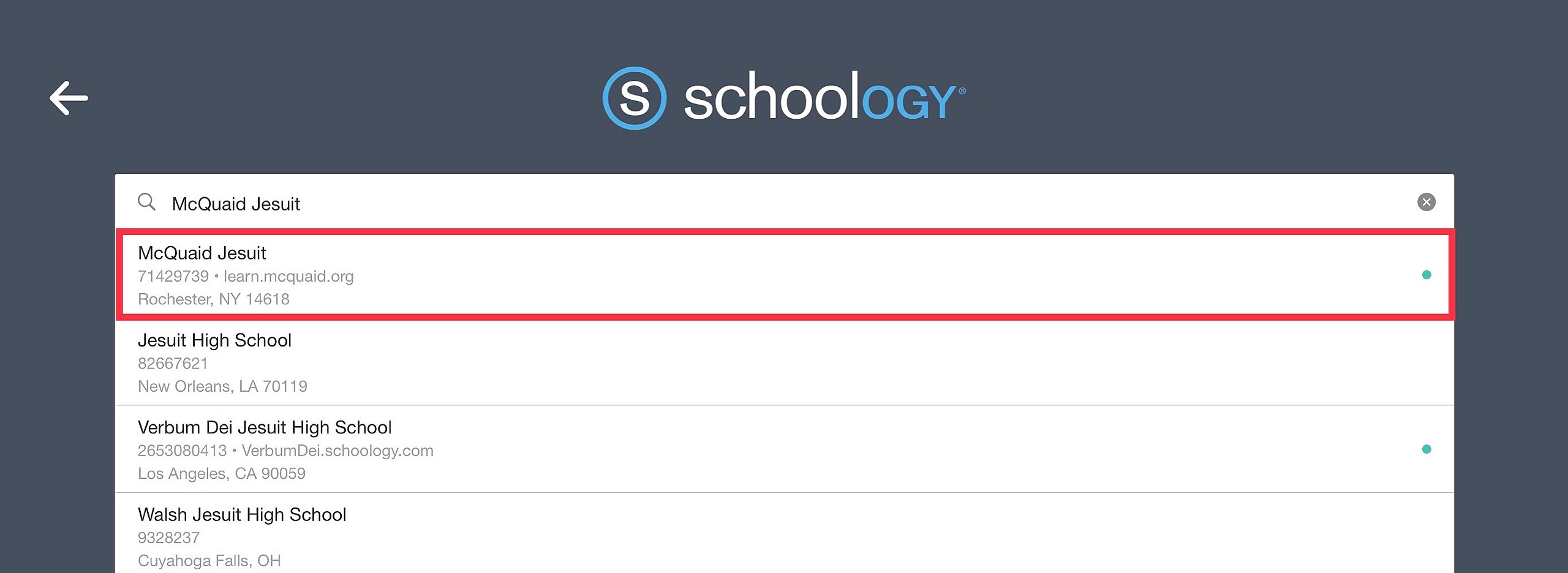
Search for McQuaid Jesuit. Make sure there is a green dot and McQuaid is included in the title
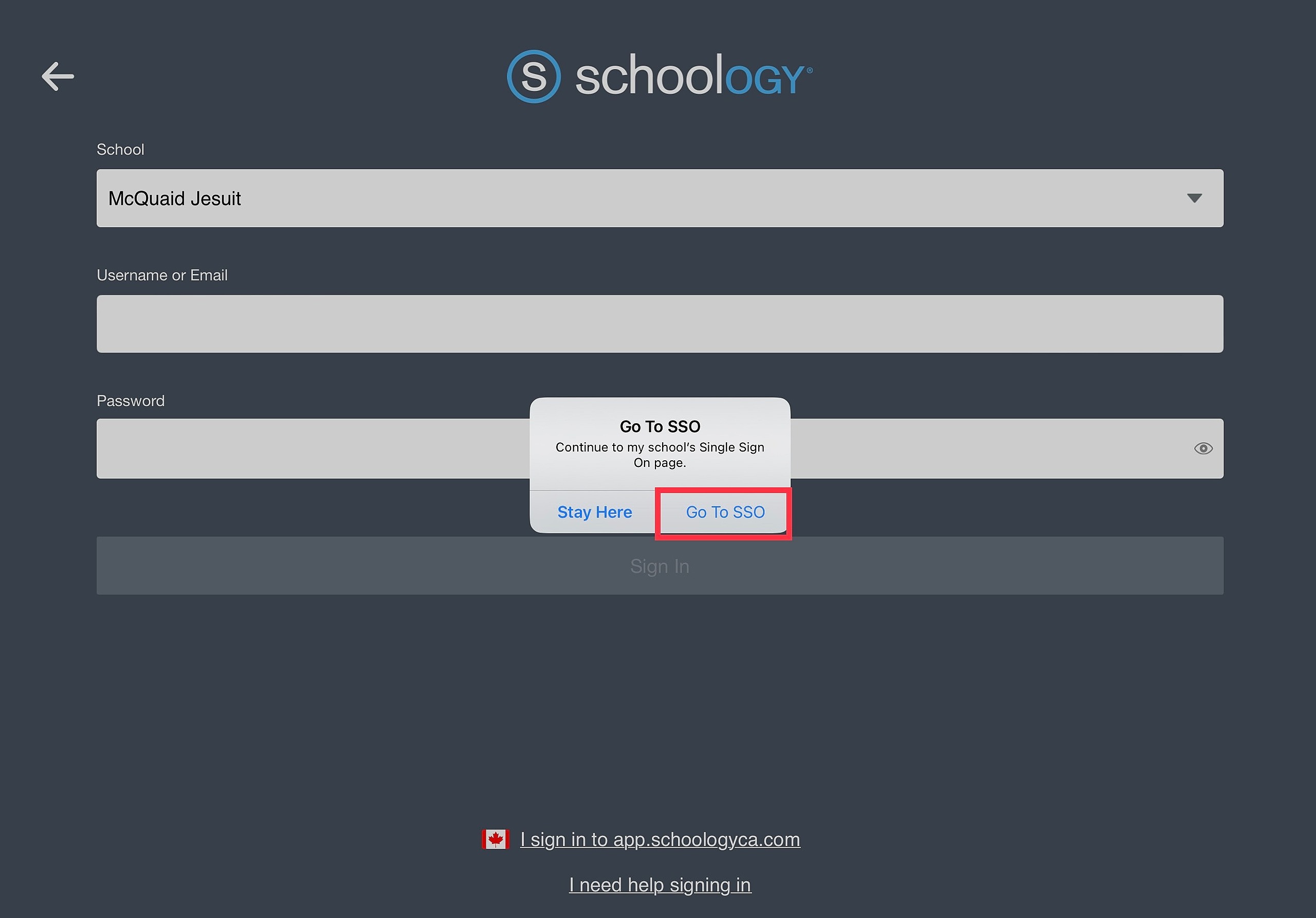
Select Go To SSO
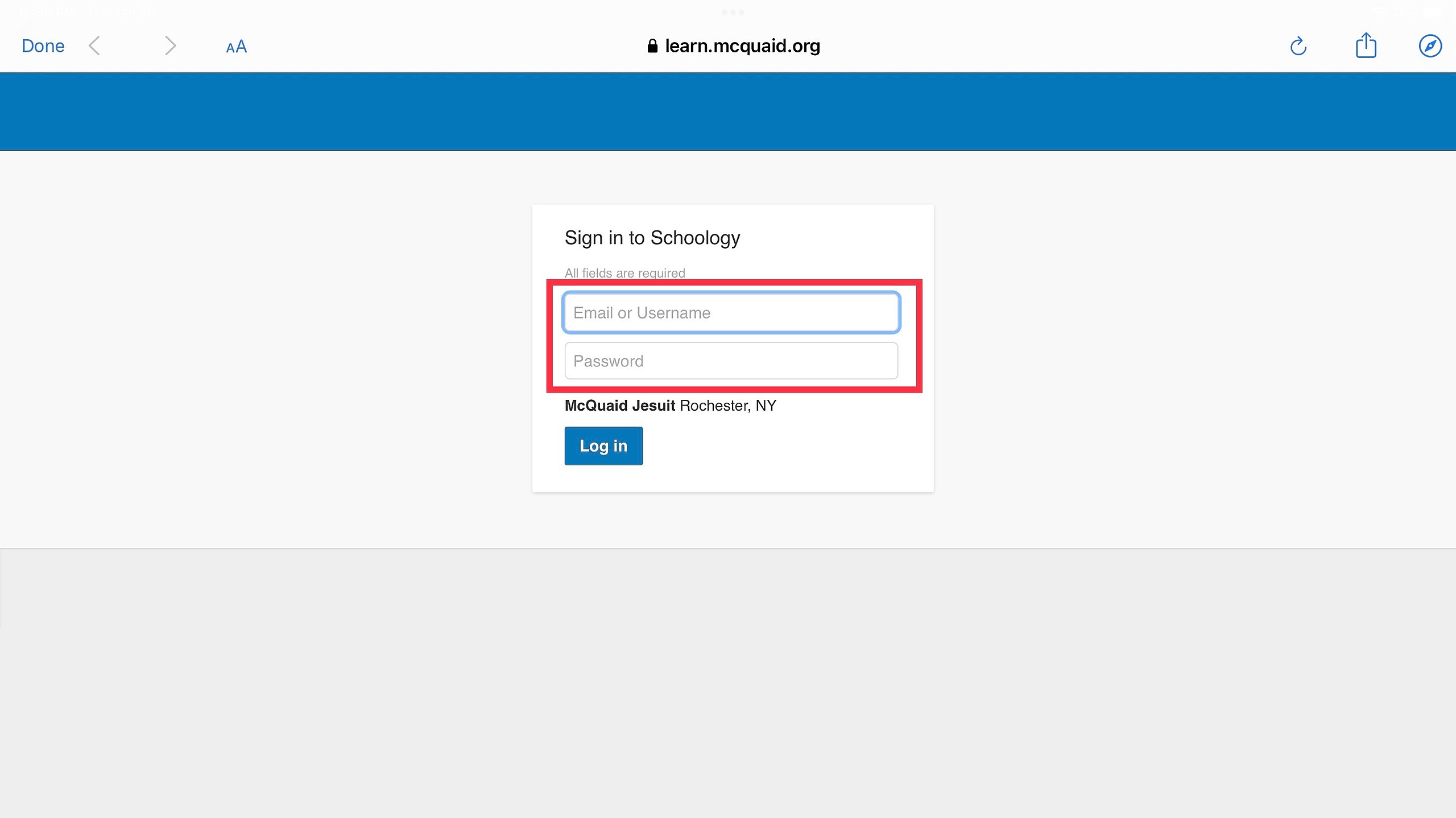
Enter your username which is the first part of your email. (first initial + last name + class year)
Enter your password and Log In
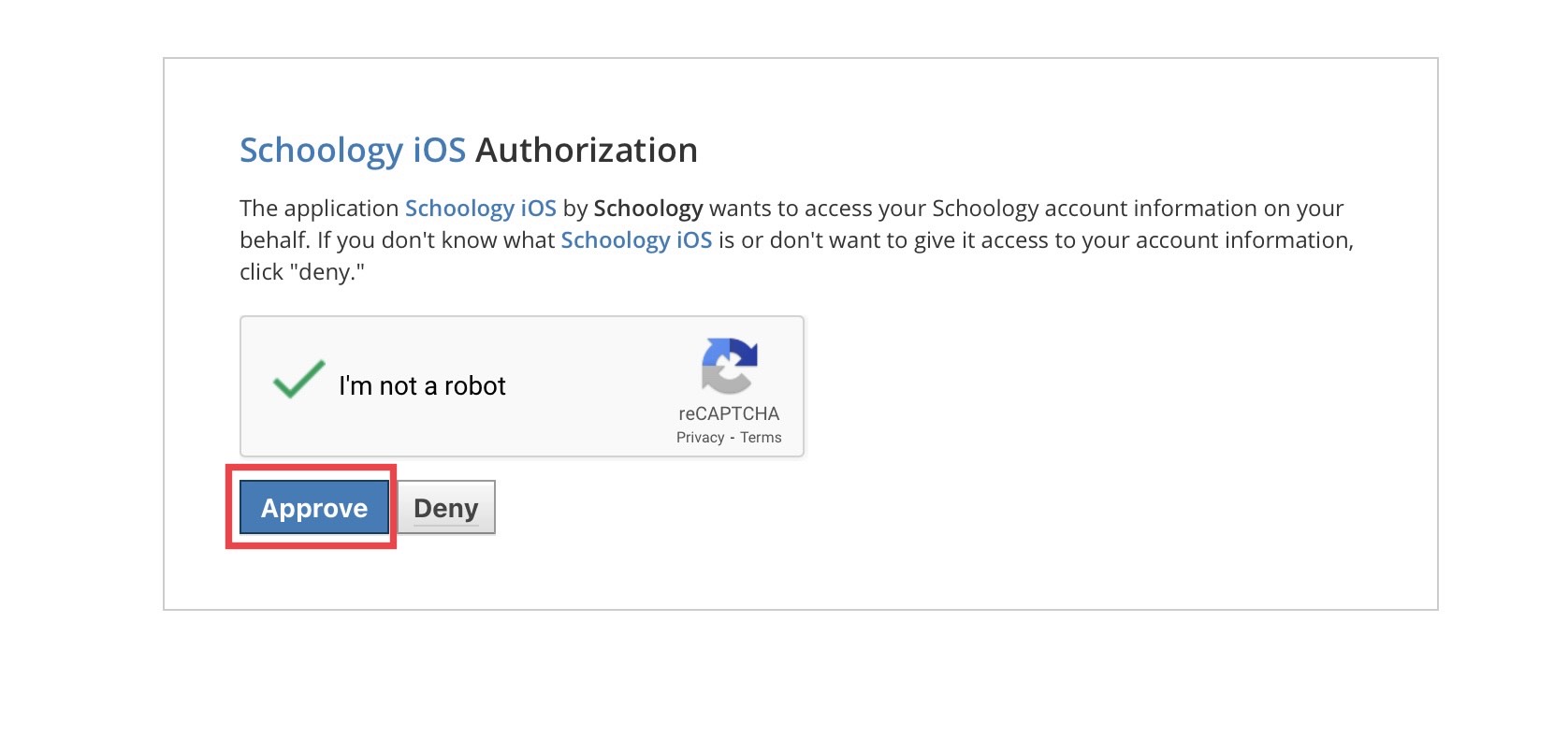
You will need to verify that you are not a robot. Check the box and follow the prompts
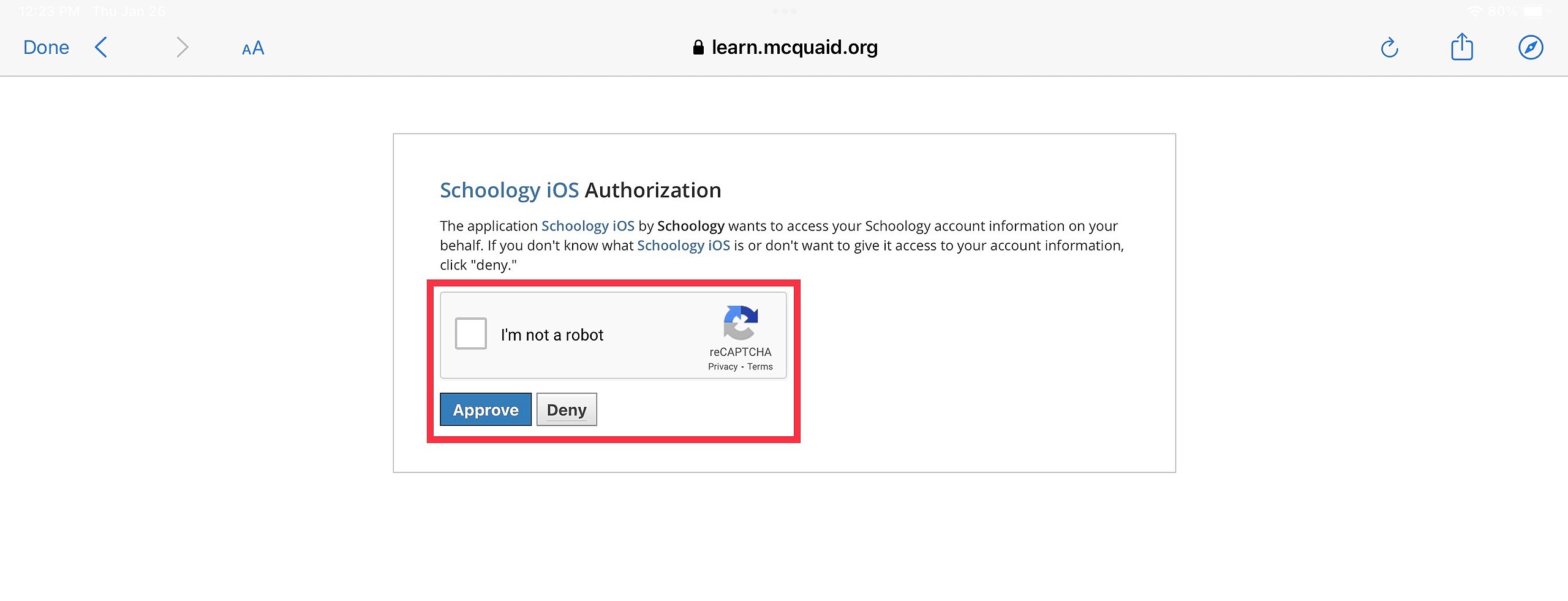
Once you are authorized, click Approve