¶ Working with Student Checklists
Log in to your Parent Portal at mcquaid.myschoolapp.com
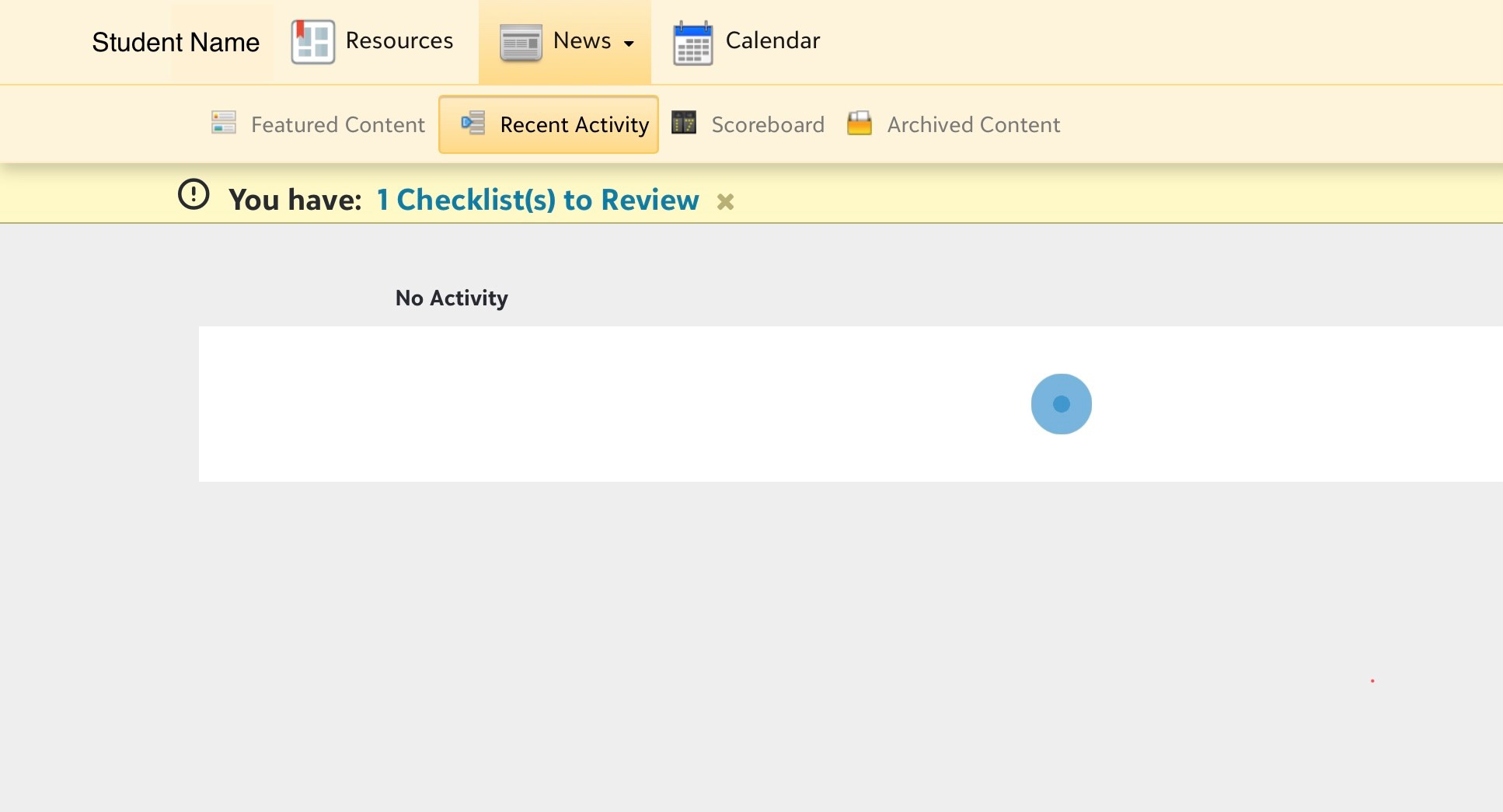
¶ Checklist Steps
Click on the title to open each Checklist Step
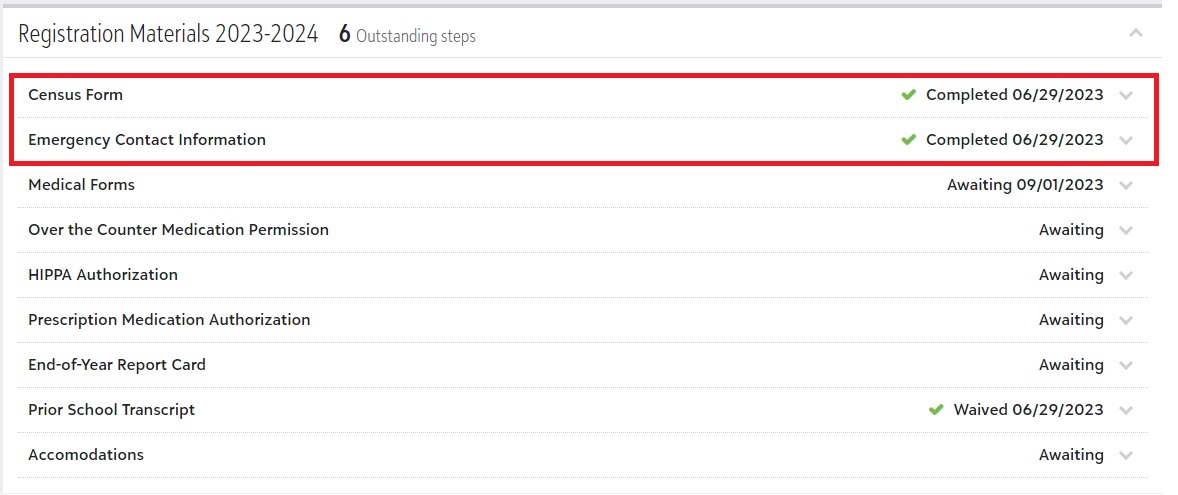
Click on Census Form to review and provide additional information for your household
If we are unable to contact a parent in the event of an emergency, we will need an Emergency Contact. You may provide one or more contacts by filling out the Emergency Contact Information Step
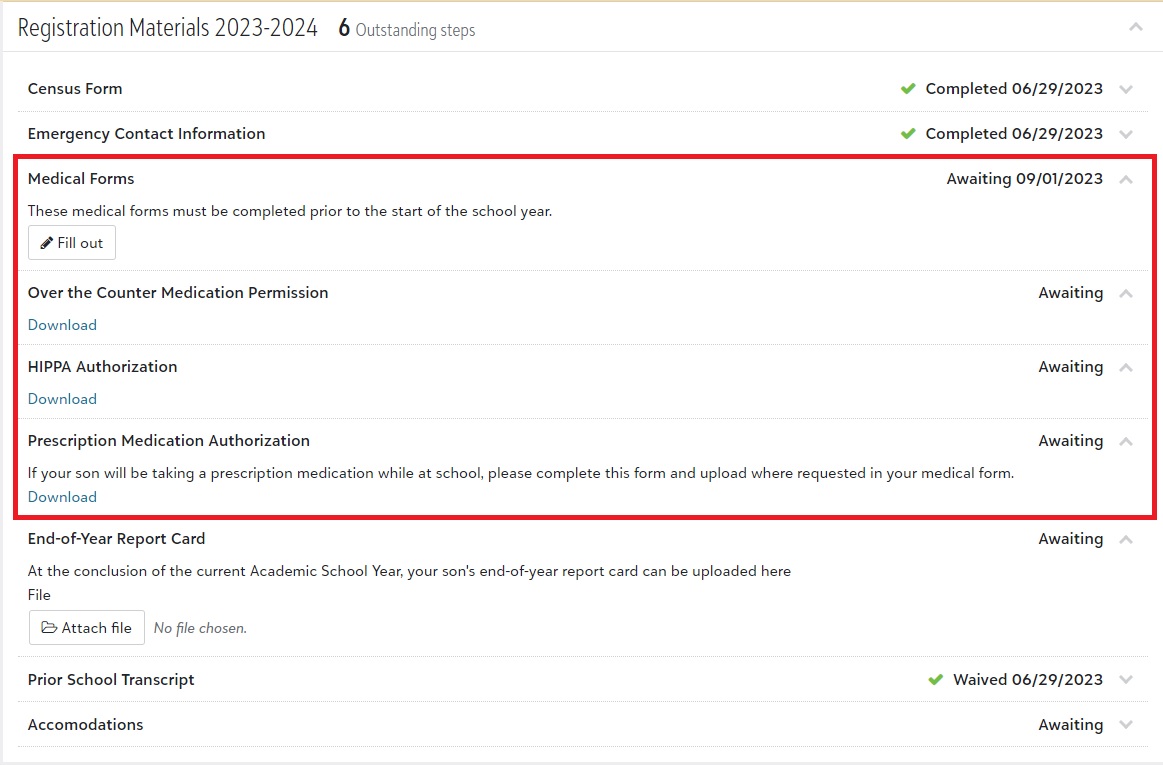
Medical Forms must be completed before the start of school.
Download each of the requested forms, complete and sign them. Scan them to your computer. You will be asked to upload them as you fill out the Medical Form.
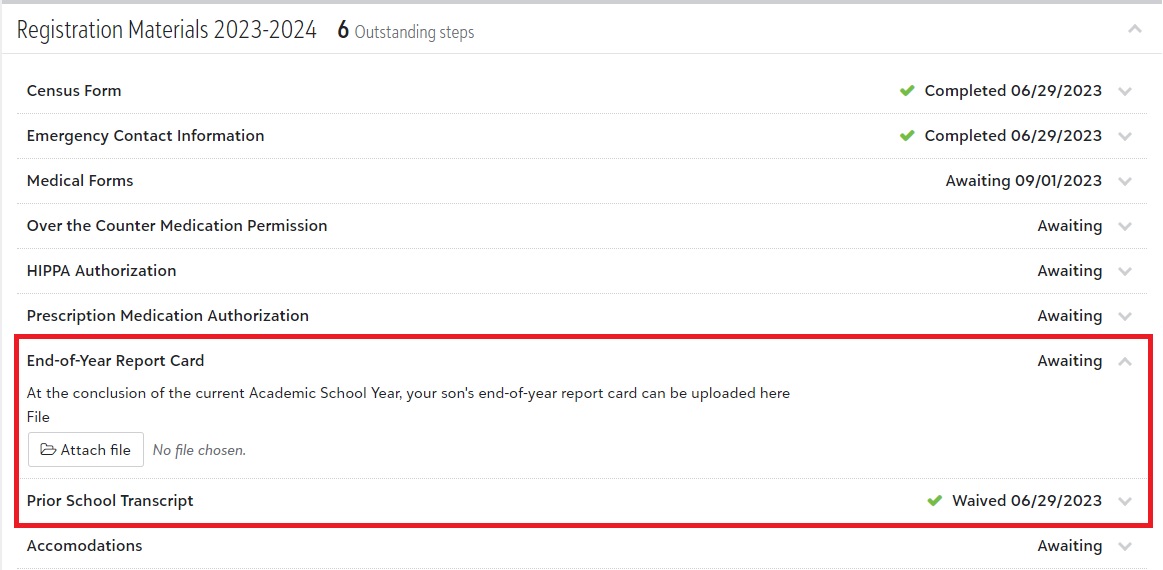
Report Cards and Transcripts can be uploaded by clicking Choose File and locating the saved document on your computer.