¶ Accessing School Forms in onCampus
All online school forms can be accessed from your onCampus account at mcquaid.myschool.app.com
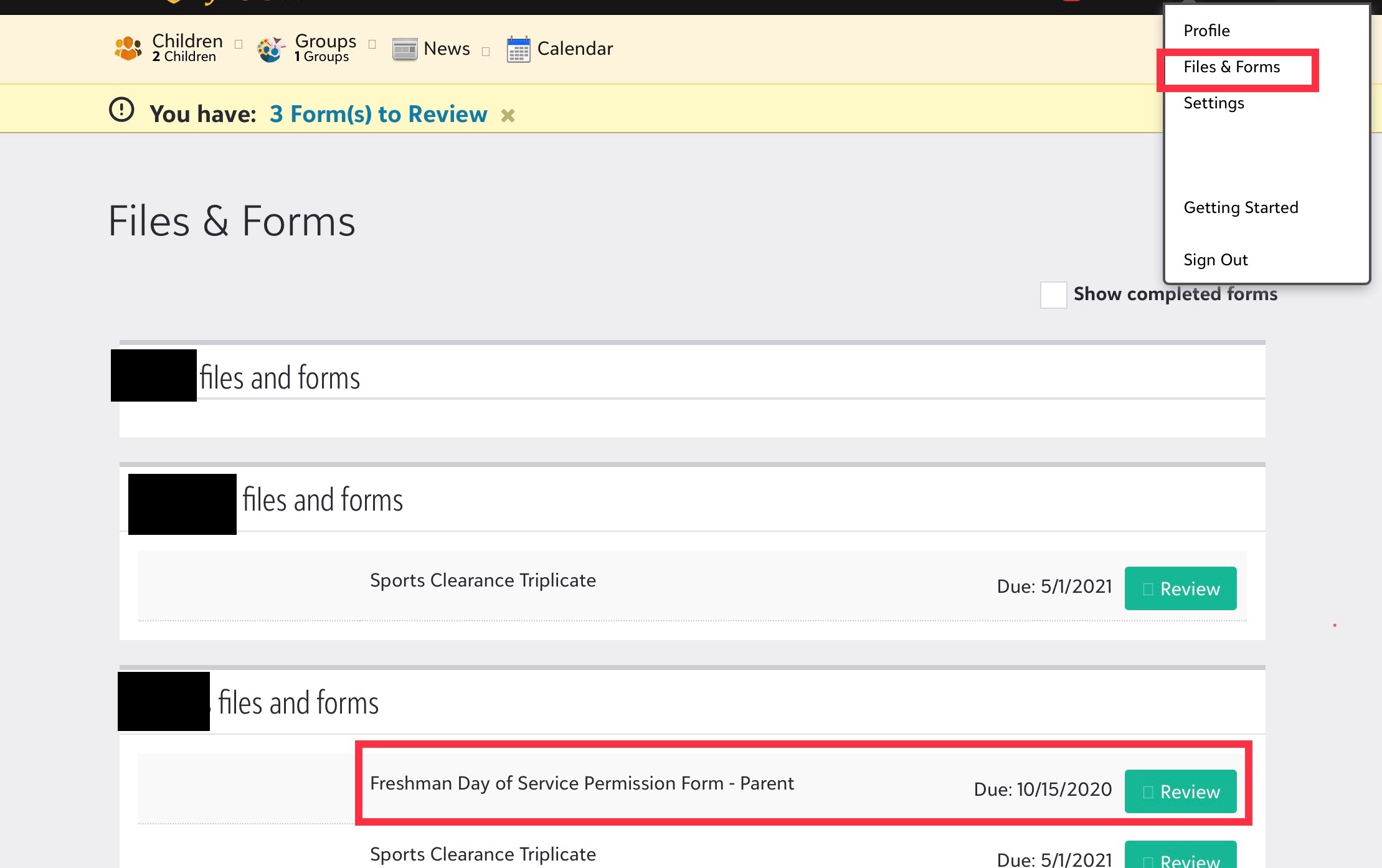
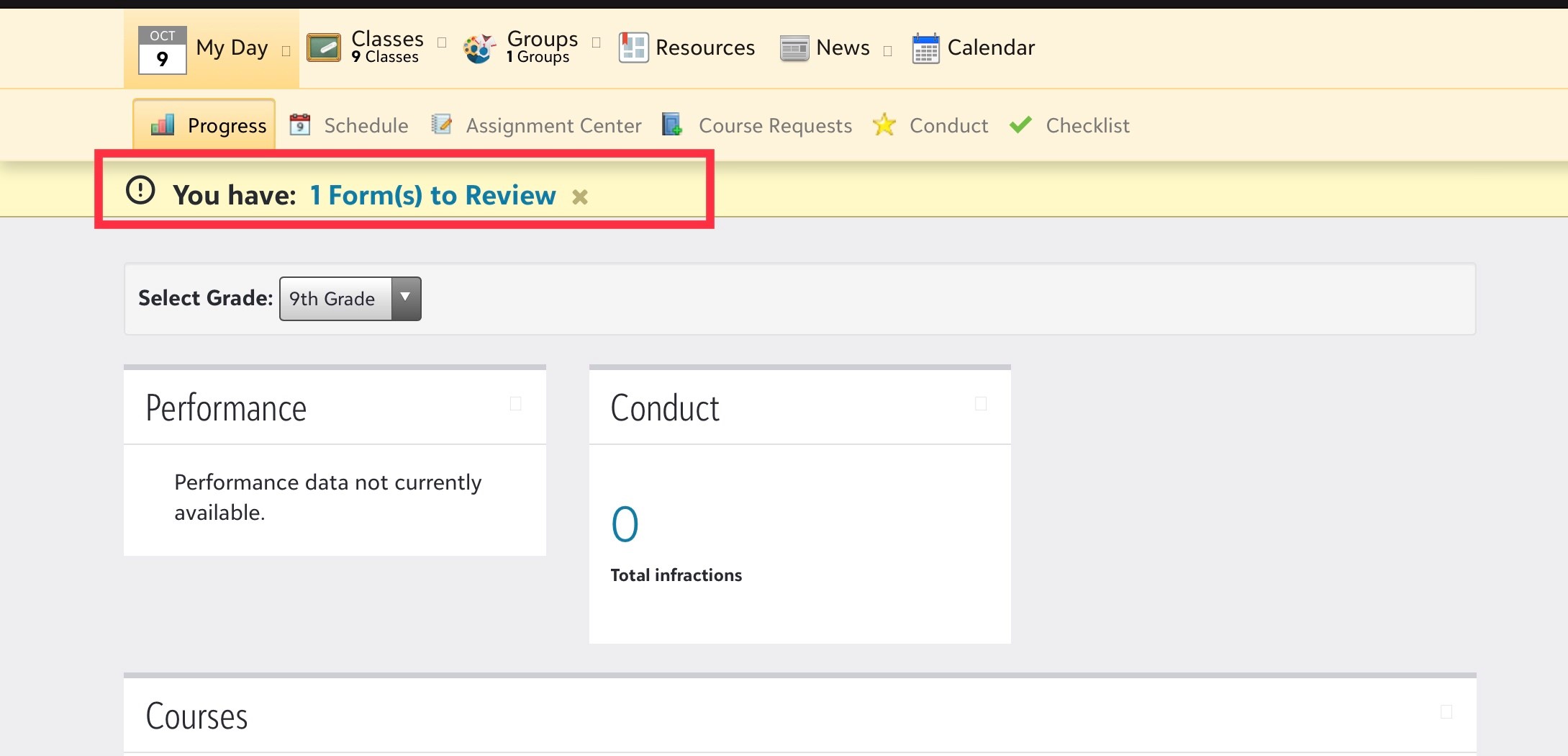
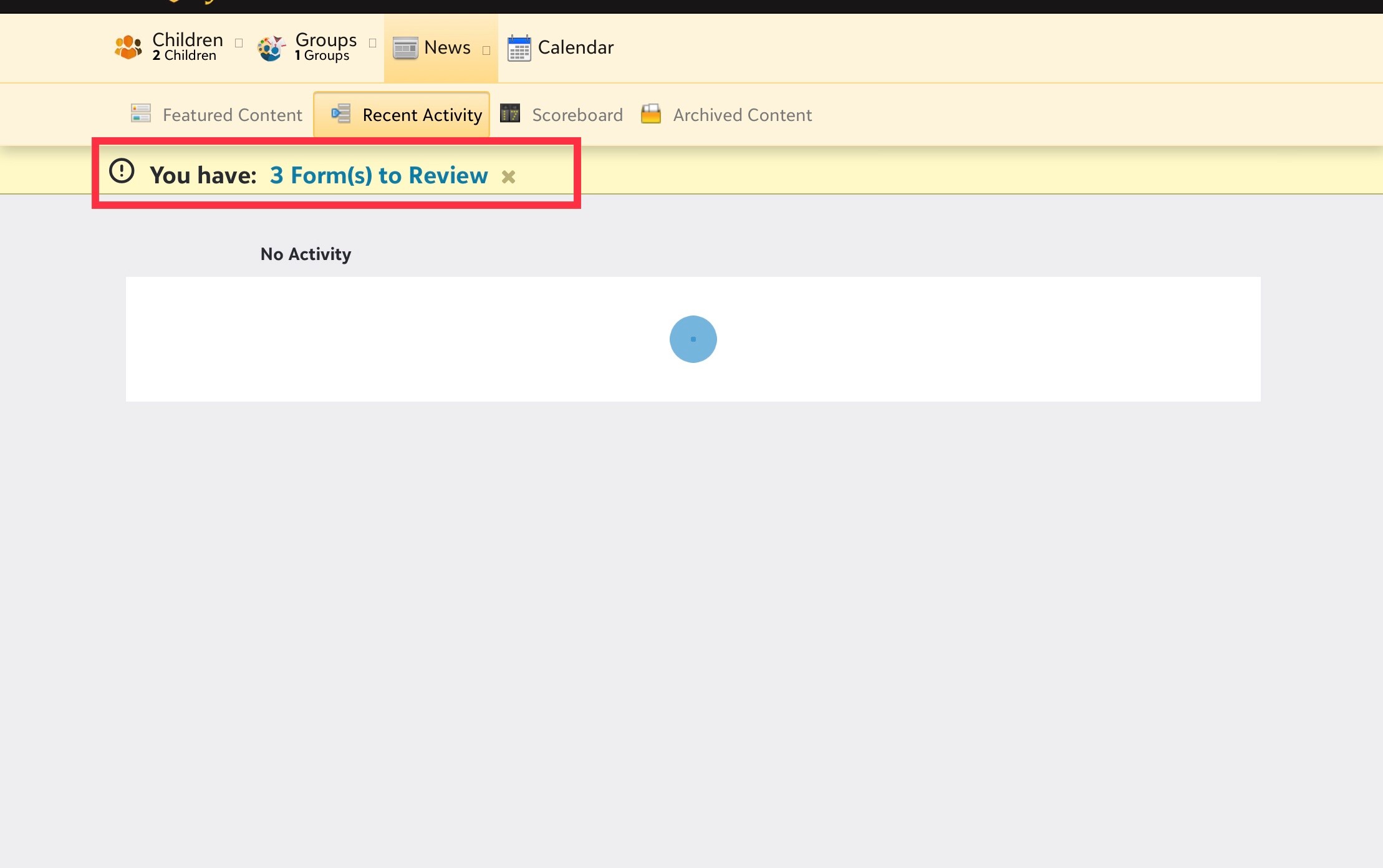
When you log in to your account, you will see a yellow banner stating you have forms to review. Click on the blue label to open your Files & Forms. Click on Review to begin the form. The form will save if you need to leave and return to the form later. Remember to click Submit when you complete the form so your information can be processed.
¶ Student View
¶ Parent View
You can also access the forms by selecting Files & Forms under your name.