¶ Viewing Course Requests and Recommendations
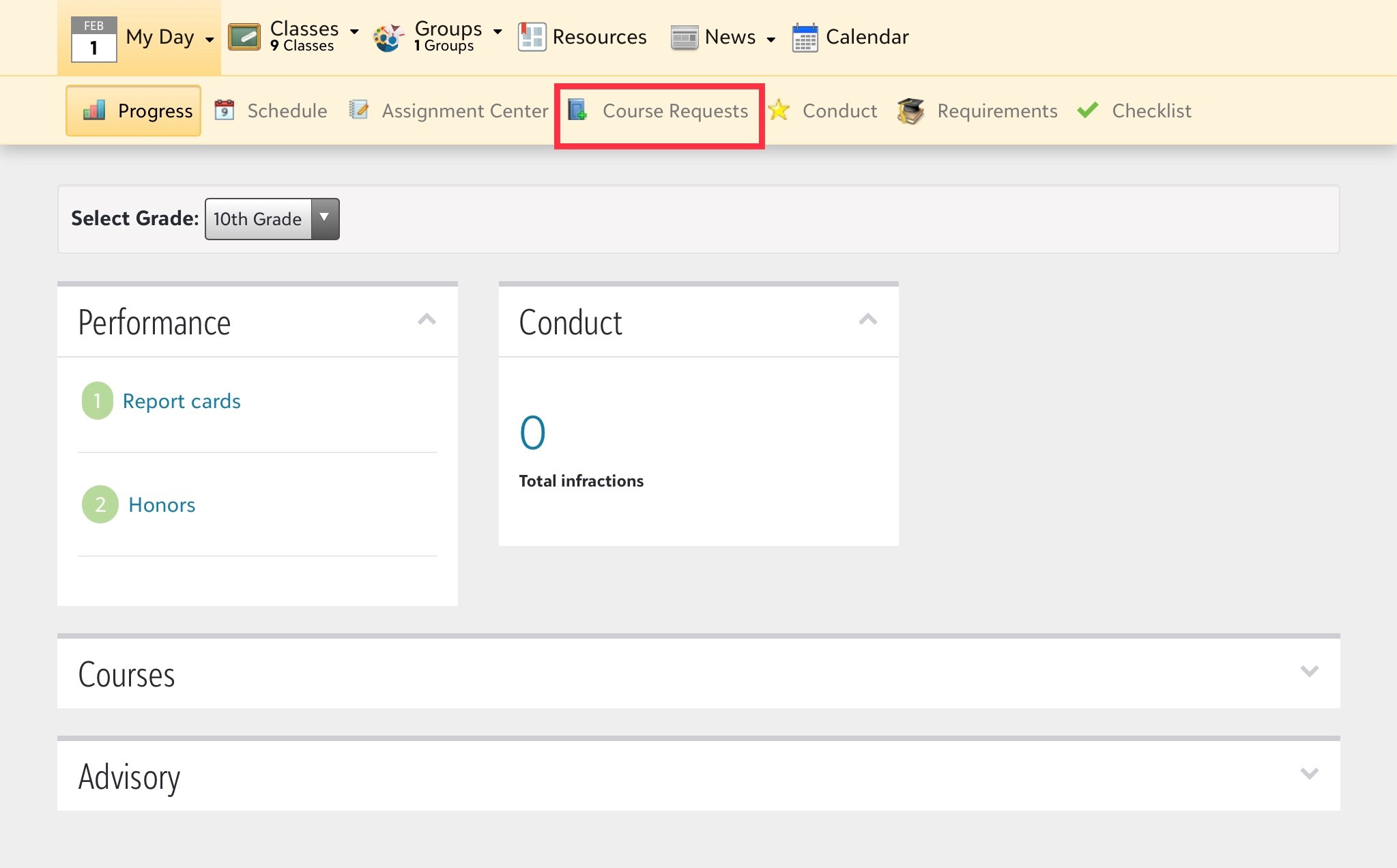
To view course requests and recommendations, log in to your onCampus account (mcquaid.myschoolapp.com). Select the tab Course Requests
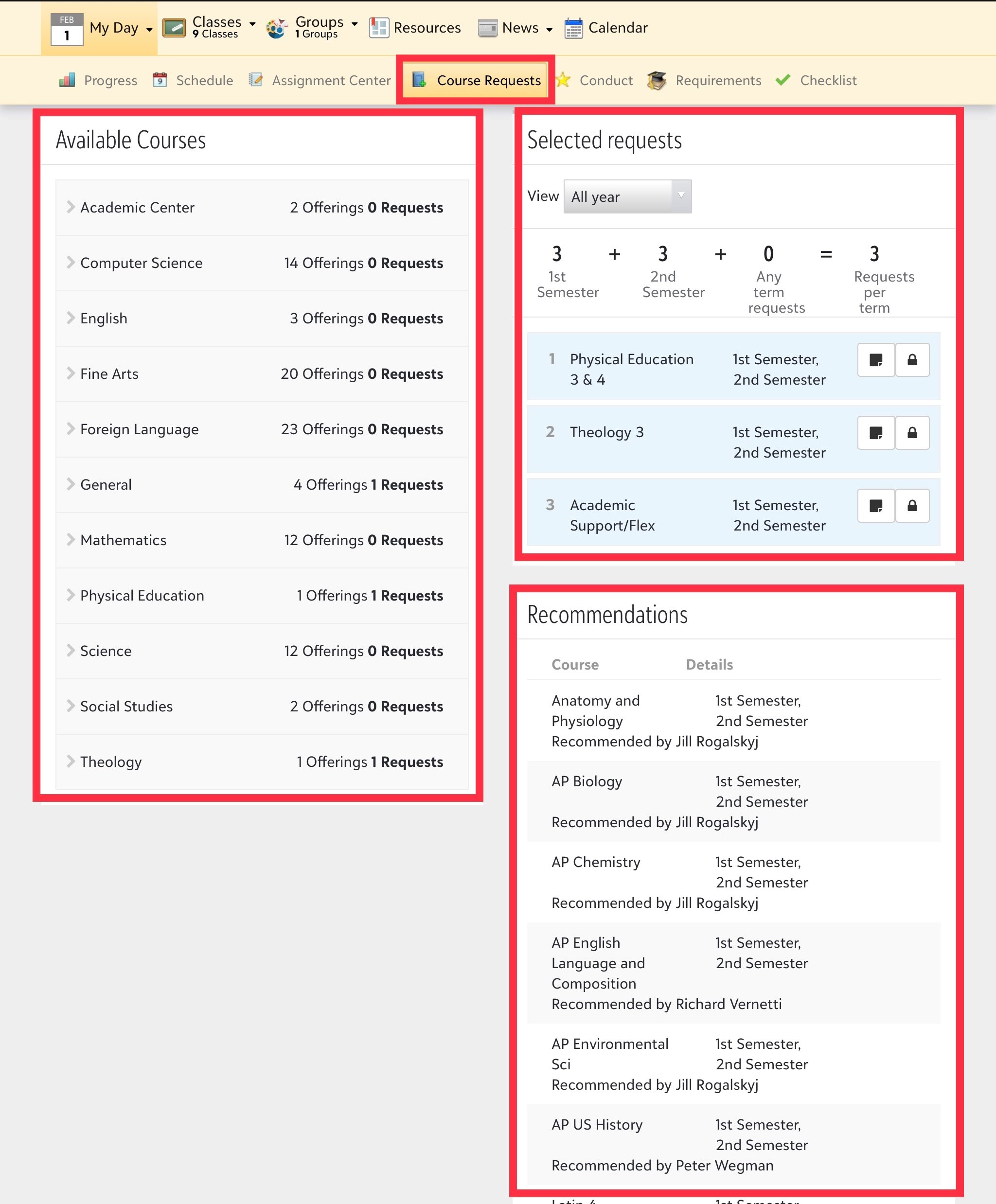
**Available Courses Tile **
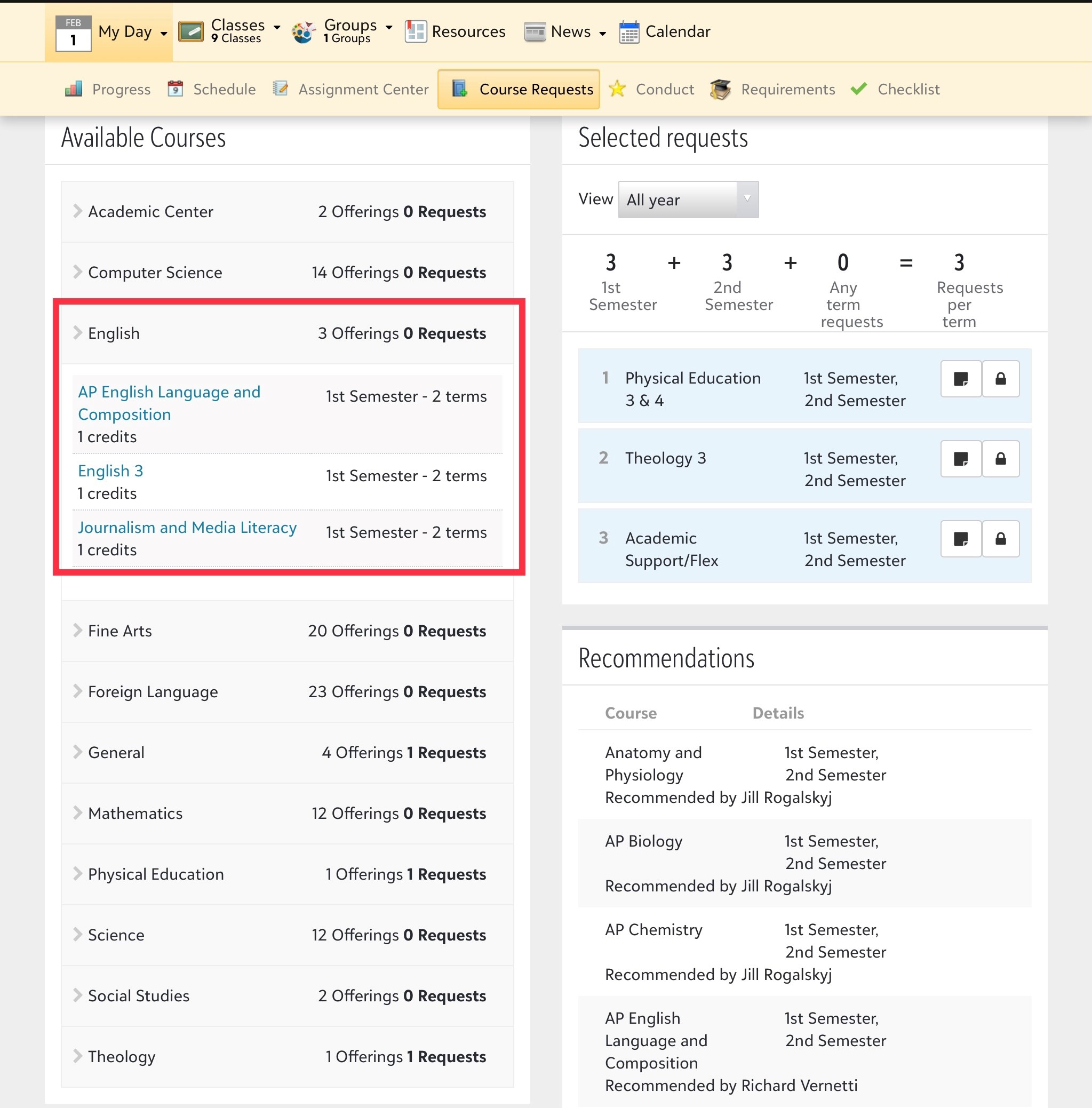
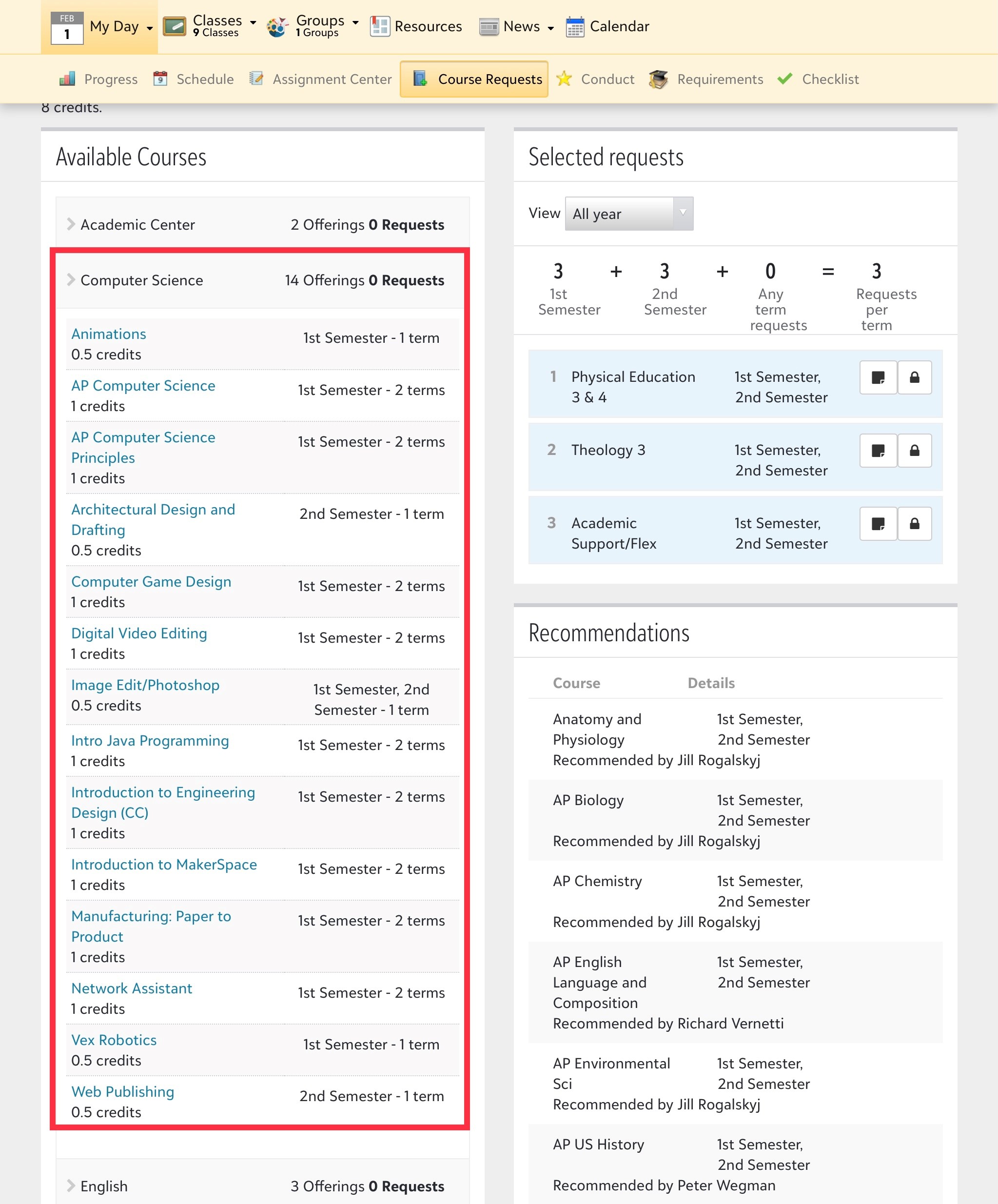
Courses that are available to you will be listed in this tile. Click on the arrow next to the Academic Department to open the list of courses available to you
Selected Requests Tile
As course requests are added, they will begin to appear in this tile for approval. Courses that are required will already be listed.
Recommendations
Teachers have made course recommendations for you for the next Academic year. Those recommendations will appear in this tile. You are pre-approved to select these courses with your Advisor.
Click on the arrow next to the Academic Department to open the list of courses available to you