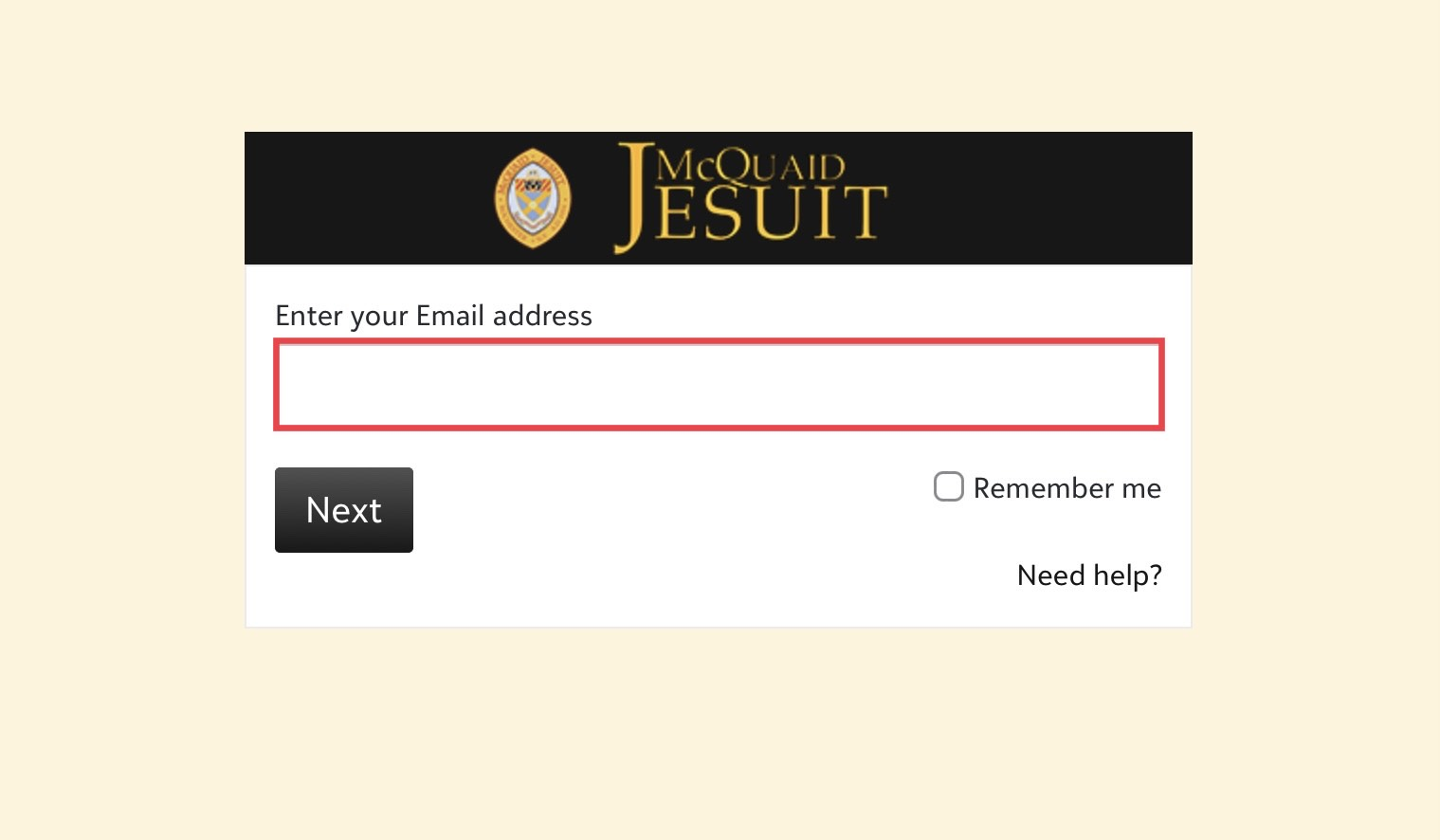
¶ onCampus Login with Blackbaud ID (BBID)
In an effort to increase security of your information, Blackbaud Inc., who hosts our myschoolapp (onCampus), will require all users to create a Blackbaud ID to access their accounts.
If you have already created a BBID account with another school such as Our Lady of Mercy, you will scroll down to Sign In and enter your email and password used to set up the other school account.
¶ Setting up your BBID
¶ First login
Log in to onCampus from the parent portal of our website with your email: https://mcquaid.myschoolapp.com/app/#login
If this is your first BBID account, you will be prompted to Sign up. If you already have a BBID account you will be prompted to Sign in.
The email we have for you in our database will pre-populate. (Do not change this email. If you wish to use a different email notify us at help@mcquaid.org)
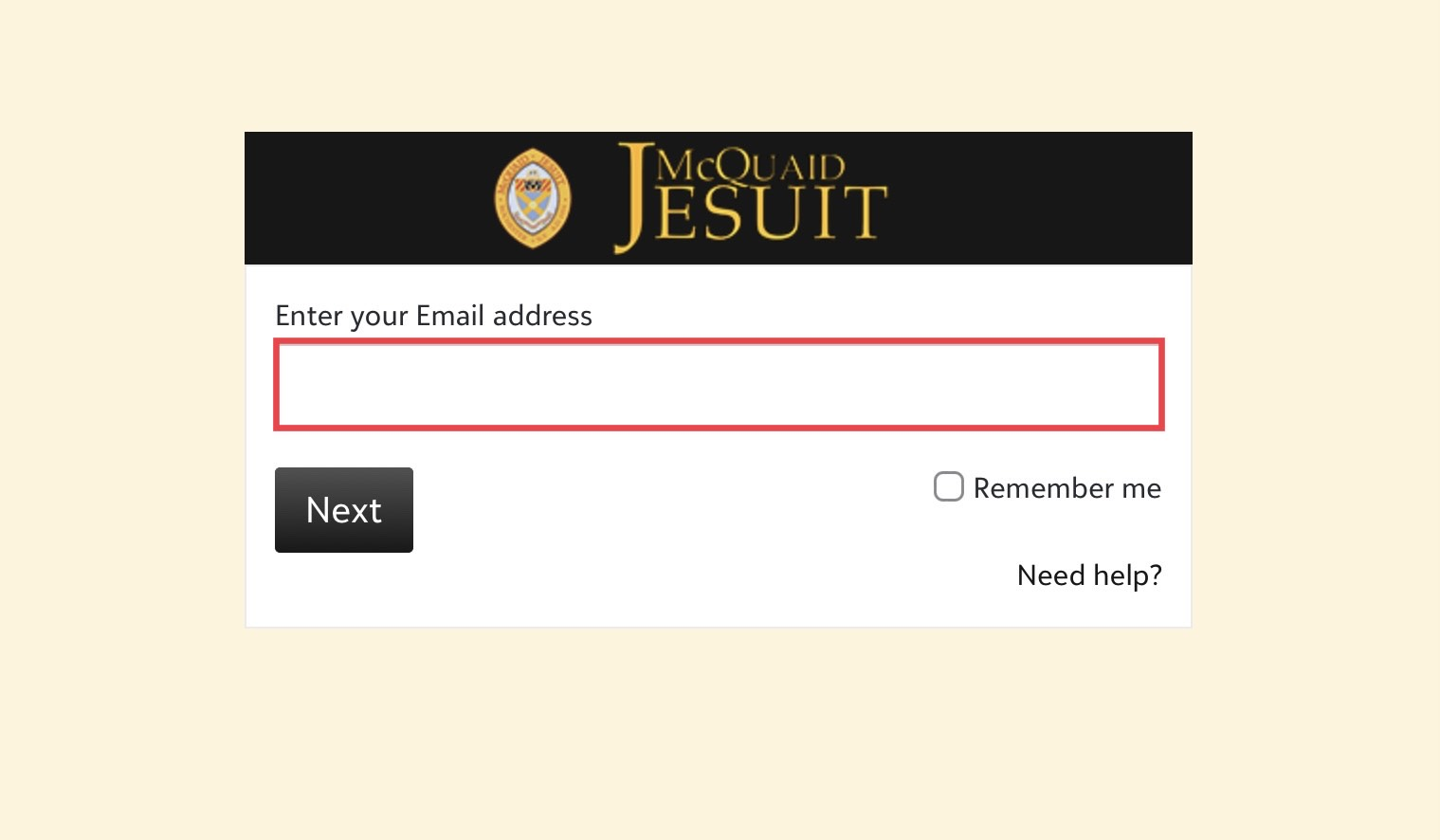
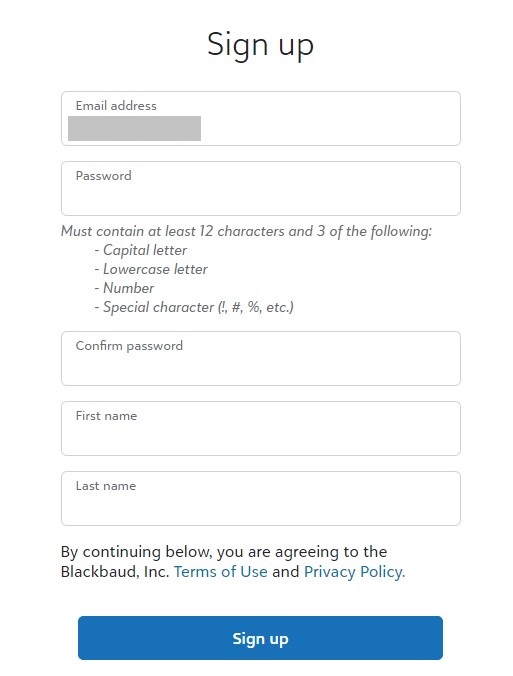
¶ Account Creation
- Enter a secure password twice
- Enter your first and last name
- Click Sign up.
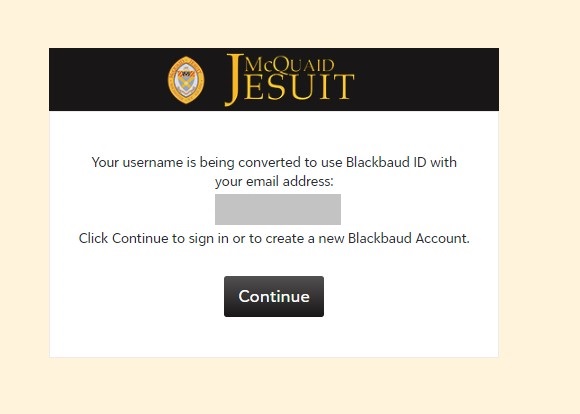
¶ Convert to BBID
You will receive the following message. Click continue.
¶ Identity Confirmation
Blackbaud now needs to confirm your identity
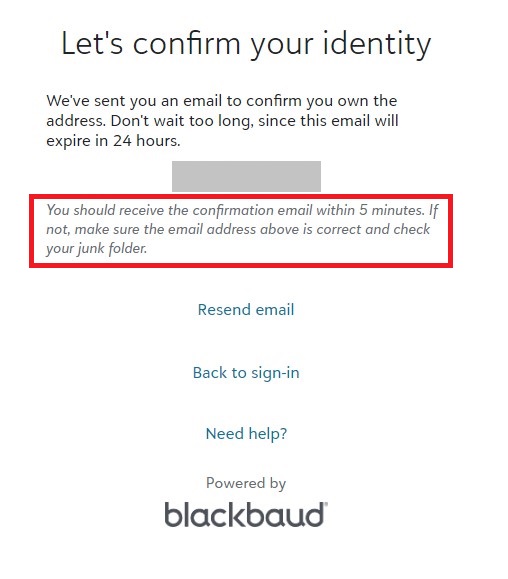
Check your email for the invitation to Connect to McQuaid Jesuit and accept the invitation
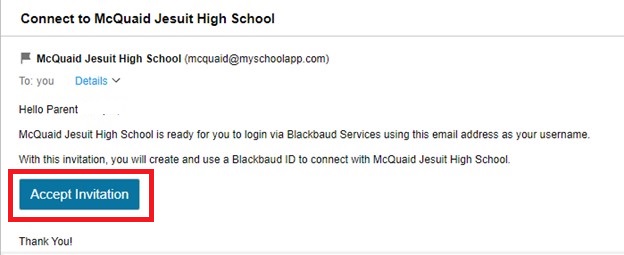
¶ First Sign in
This time sign in with your email address and password
This screen will appear again asking you to check for another email to Confirm your Blackbaud ID
¶ Finish Setting Up Your Account
Back to your email account to confirm and finish setting up your account. This must be completed within 24 hours of receiving the email.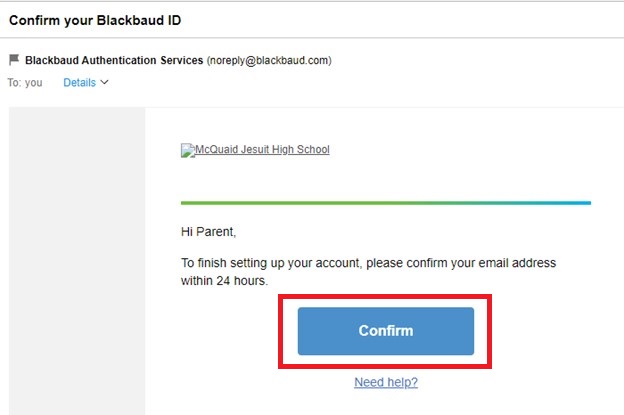
¶ Success!
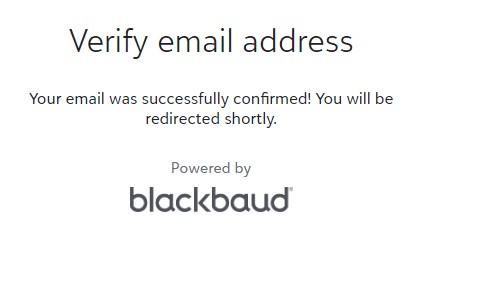
¶ Future Logins
For future logins, you will use your email address and password