¶ Install Office 365 on Your Computer
Every student and faculty member of McQuaid is eligible to take advantage of a non-commercial license for Office for Education. Students and faculty with a valid GoldPass can use both the online and installed Office 365 applications.
¶ Log into Office 365
- To access Office 365 online, navigate to portal.office.com and login with your valid McQuaid Jesuit E-Mail Address and GoldPass
¶ Install Office Applications
-
Once logged into portal.office.com, Tap on "Install Office" and then choose "Office 365 Apps"

-
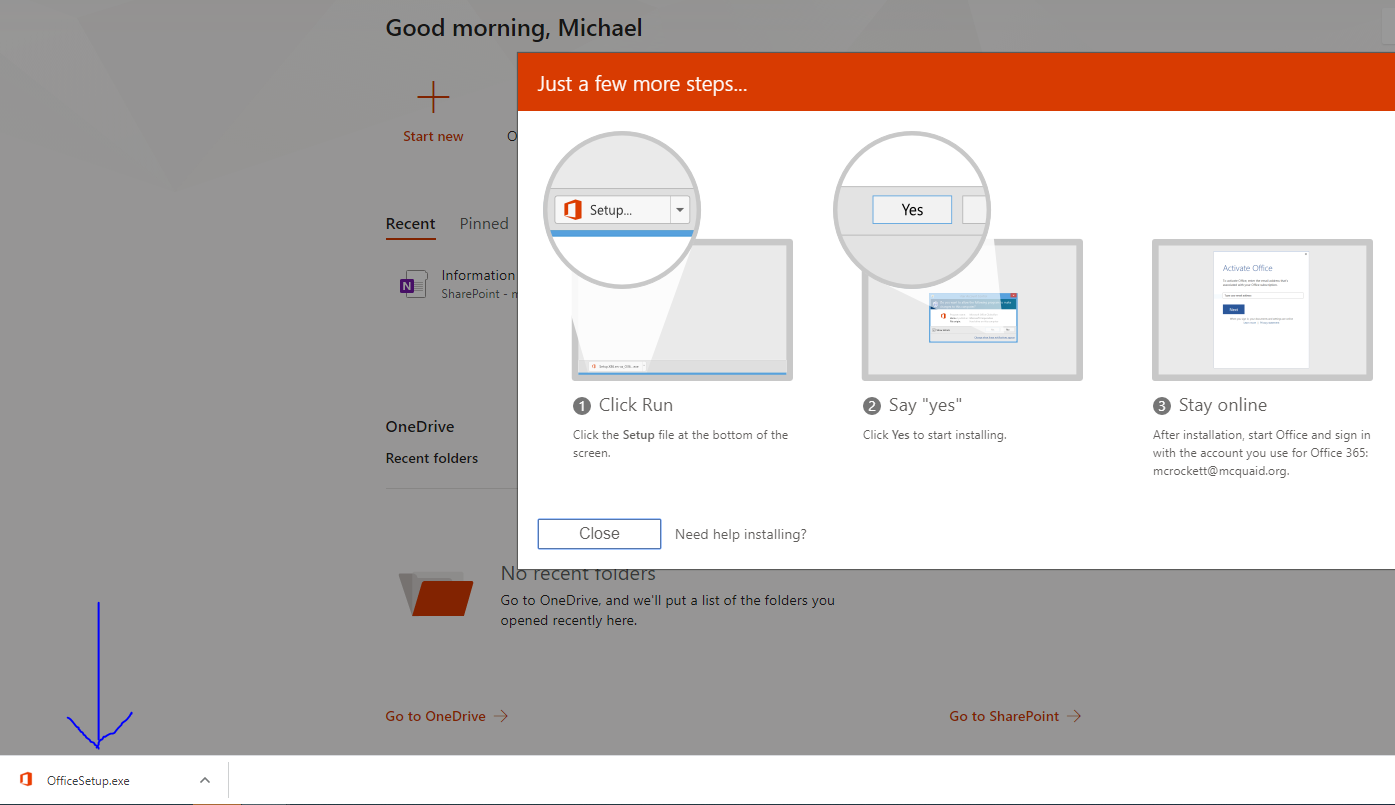
A thin installer will be downloaded. Please tap on the download to open it. Office 365 will begin to install. Depending on connection speed, this process may take a while. Please be patient.
-
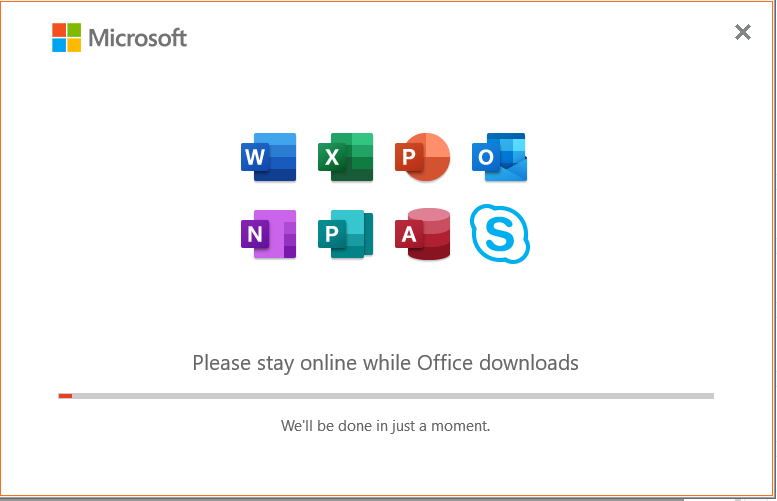
This will run in the background, so you may continue to do other work. Do not turn off your computer or shut the laptop screen until this process has been completed.
-
The first time you open one of the products, you will be asked to sign in. You will need to sign in to Office 365 using your valid email and GoldPass. You can find your new products in the Start Menu.